

Advanced Inventory Core Features
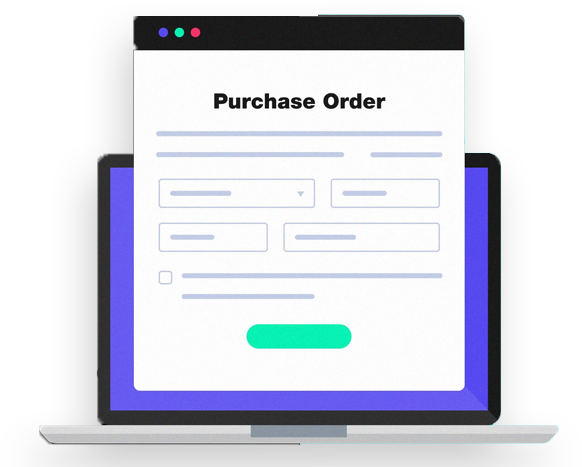
Purchase orders
Plan purchases, export records to suppliers, track stock receipts and manage vendor relationships. Purchase orders allows you to create and save orders for the supply of products, to send orders to suppliers, to receive products, and to save information of suppliers in the system. Gain insights into the flow of your inventory by viewing adjustment log. You can see the ‘Inventory history’ of all the items that underwent any changes. You can filter the history by period, stores, employees, or by reason of stock changes, including sales and refunds.

Transfer orders
Easily create a transfer order document and shift stock between your stores. You can add items from the list of your items to the transfer order. You will see the stock information of the chosen items at the source and destination stores. The received order will change the stock in the source and destination stores. You can email your transfer order to the destination store and/or download as a PDF or CSV file.

Stock adjustments
Increase and decrease stocks levels for received items, damages, loss, and inventory counts – which also works for multi-item stock adjustments. You can modify the stock of items and indicate the reason for that adjustment. After making the adjustment, the stock of the adjusted items will be changed. You will see the stock adjustment details in the document. You can save it as a PDF or CSV file.
Inventory count
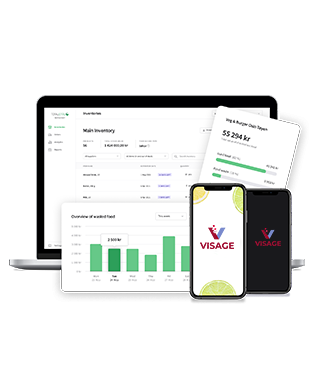
Recount your products to keep the actual stock up-to-date Inventory count allows you to reconcile the expected and actual inventory for all or selected items, see the amount of inventory loss or surplus inventory, and keep documents for each inventory.
Inventory history
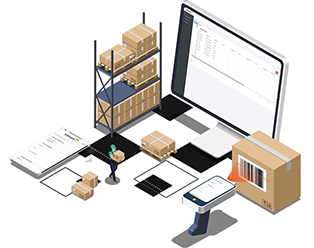
Gain insights into the flow of your inventory by viewing adjustment log. You can see the ‘Inventory history’ of all the items that underwent any changes. You can filter the history by period, stores, employees, or by reason of stock changes, including sales and refunds.
Production
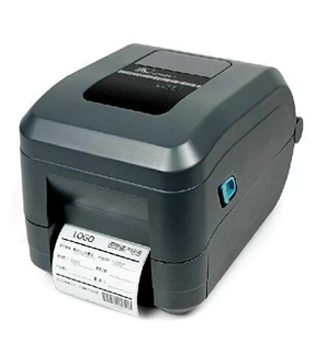
Make products out of ingredients and track the stock of both The production feature can be useful for items that are made in advance, not at the time of ordering. For example, in a bakery. Produced items can be moved between stores by using inventory adjustments and inventory counts.
Inventory valuation report
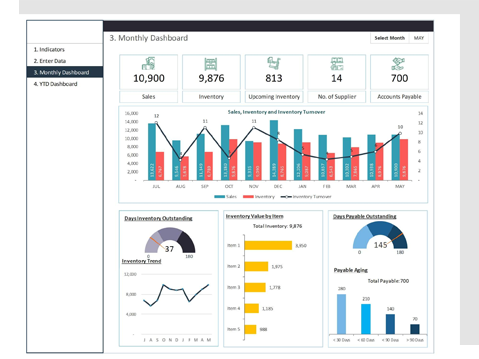
Get a detailed overview of your inventory with a list of all the items and variants you have in stock, their inventory and potential profit values. Inventory Valuation Report gives you an understanding of the total cost of the inventory and potential profits from their sale. You can see the up-to-date ‘Inventory valuation’ report. You can filter the report by categories or stores (if you have multiple stores).